Grok Imagine — images and edits in seconds, in LensGo.
xAI's image model with editing support and very fast generations.
What Grok Imagine is best at.
- One of the fastest models in our lineup — results in seconds.
- Editing support: guide a generation with a reference image.
- Quick concept exploration when you want volume over ceremony.
Made with Grok Imagine.
Real generations made with Grok Imagine — each carries the exact prompt that created it.
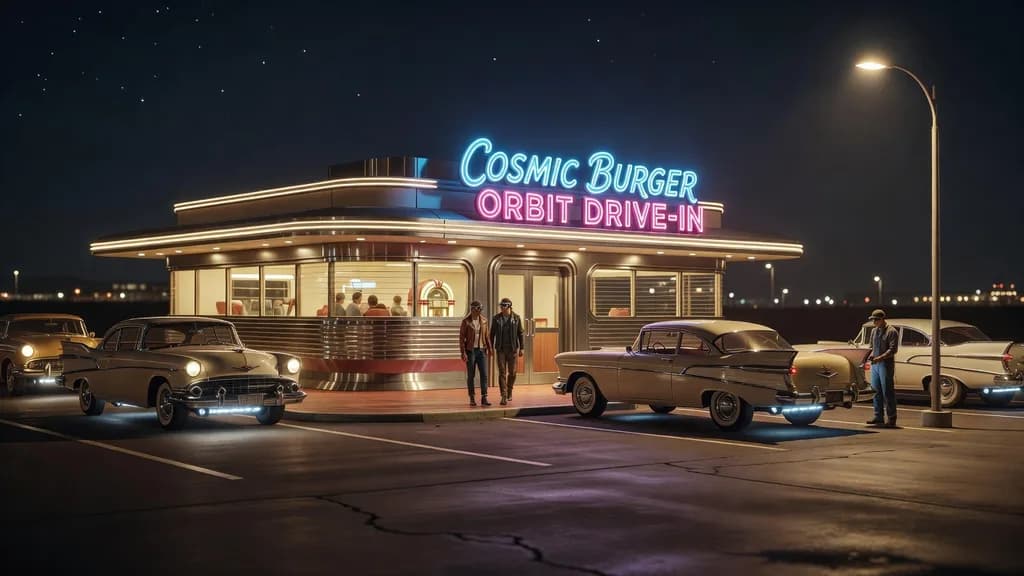
Retro-futuristic roadside diner at night with hovering vintage cars, chrome and neon, cinematic warm-neutral color grade, soft directional key light, 35mm lens, shallow depth of field, natural skin tones, subtle film grain

Bustling greenhouse market dome on Mars, red dunes visible beyond the glass, cinematic warm-neutral color grade, soft directional key light, 35mm lens, shallow depth of field, natural skin tones, subtle film grain
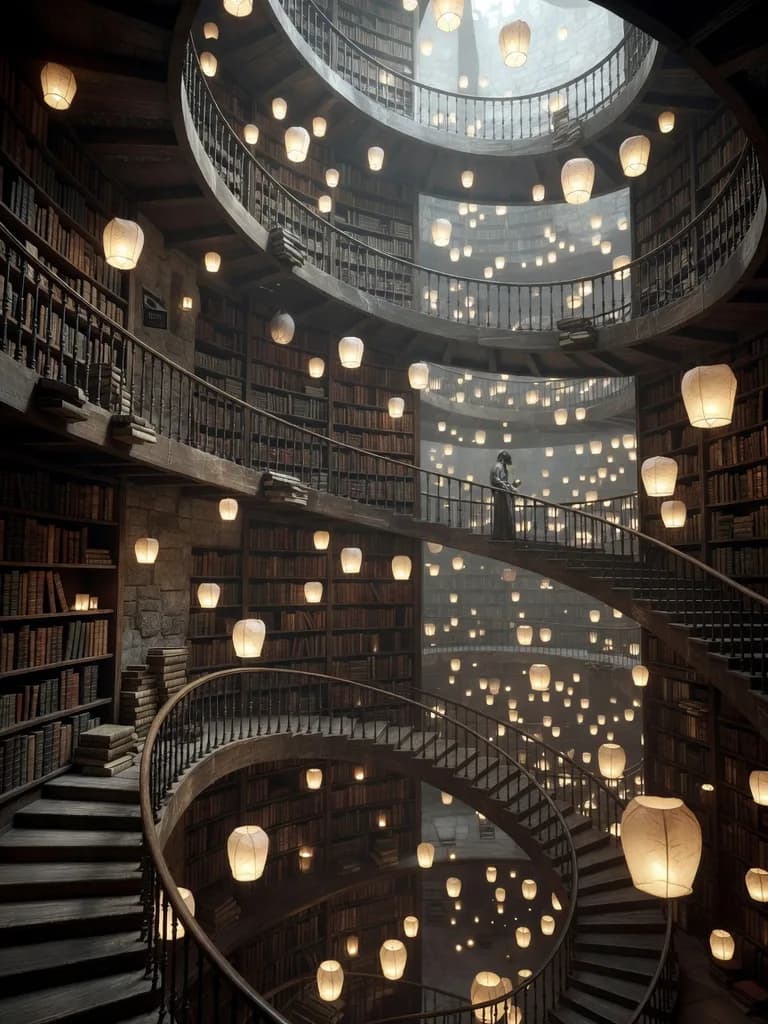
Endless spiral library interior with floating lanterns, impossible architecture, cinematic warm-neutral color grade, soft directional key light, 35mm lens, shallow depth of field, natural skin tones, subtle film grain

Smoky jazz club scene, saxophonist silhouetted against amber stage light, cinematic warm-neutral color grade, soft directional key light, 35mm lens, shallow depth of field, natural skin tones, subtle film grain
The numbers that matter.
Real numbers from our model registry — what it costs, how long it takes, and the formats it supports.
- 0
- credits per image (from)
- ~0s
- typical generation time
- 0
- aspect ratios
How to use it in LensGo.
- 1
Open the studio
Sign in and pick Grok Imagine from the model picker — no separate xAI account or subscription needed.
- 2
Describe your image
Type a prompt (or start from a reference image where supported), then choose your aspect ratio.
- 3
Generate and download
Credits are deducted per generation (from 3), and the result lands in your library — download it or iterate.
Also worth a look.
Same studio, same credits — switch models per shot.
FLUX 1.1 Pro
Black Forest Labs · image
Professional FLUX with superior detail and composition.
See FLUX 1.1 ProGPT Image 2
OpenAI · image
OpenAI's flagship image model — best-in-class text rendering and instruction-following edits.
See GPT Image 2Nano Banana Pro
Google · image
Google's efficient image generation model with up to 4K output.
See Nano Banana ProGrok Imagine, answered.
Ready when you are.
Grok Imagine costs 3 credits per image. Grok Imagine does not require a subscription — any account with credits can use it.