FLUX 1.1 Pro — pro-grade detail and composition, in LensGo.
Professional FLUX with superior detail and composition.
What FLUX 1.1 Pro is best at.
- Detailed, well-composed renders that hold up at full size.
- Photorealistic lighting, texture, and depth of field.
- Reliable prompt following on complex, multi-element scenes.
- Image-to-image with adjustable reference strength for controlled edits.
Made with FLUX 1.1 Pro.
Real generations made with FLUX 1.1 Pro — each carries the exact prompt that created it.
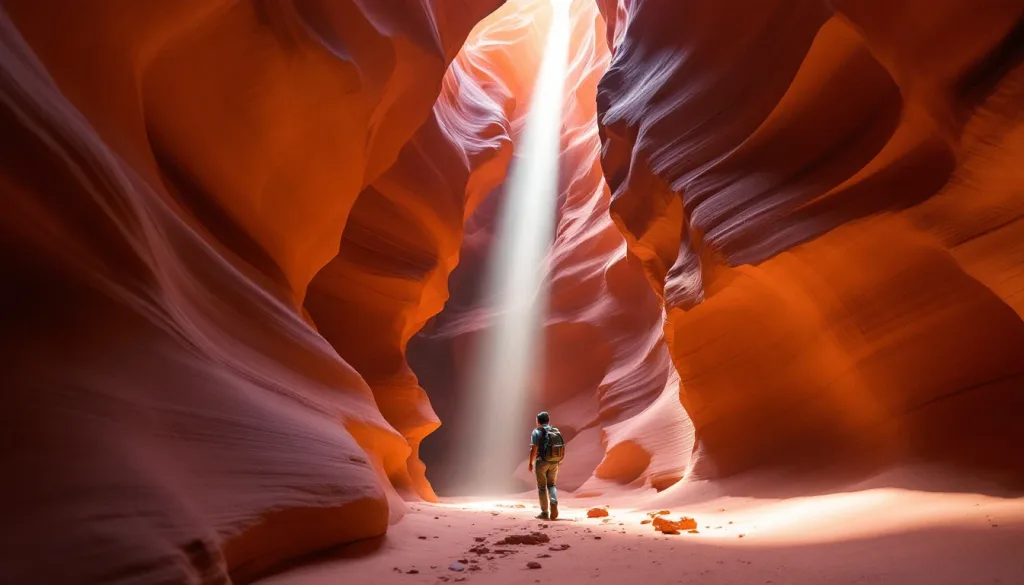
Slot canyon light beam hitting red sandstone waves, lone hiker for scale, cinematic warm-neutral color grade, soft directional key light, 35mm lens, shallow depth of field, natural skin tones, subtle film grain

White swan gliding through morning mist on a black-water lake, minimal composition, cinematic warm-neutral color grade, soft directional key light, 35mm lens, shallow depth of field, natural skin tones, subtle film grain

Chef searing a steak with dramatic flame burst in a dark professional kitchen, cinematic warm-neutral color grade, soft directional key light, 35mm lens, shallow depth of field, natural skin tones, subtle film grain
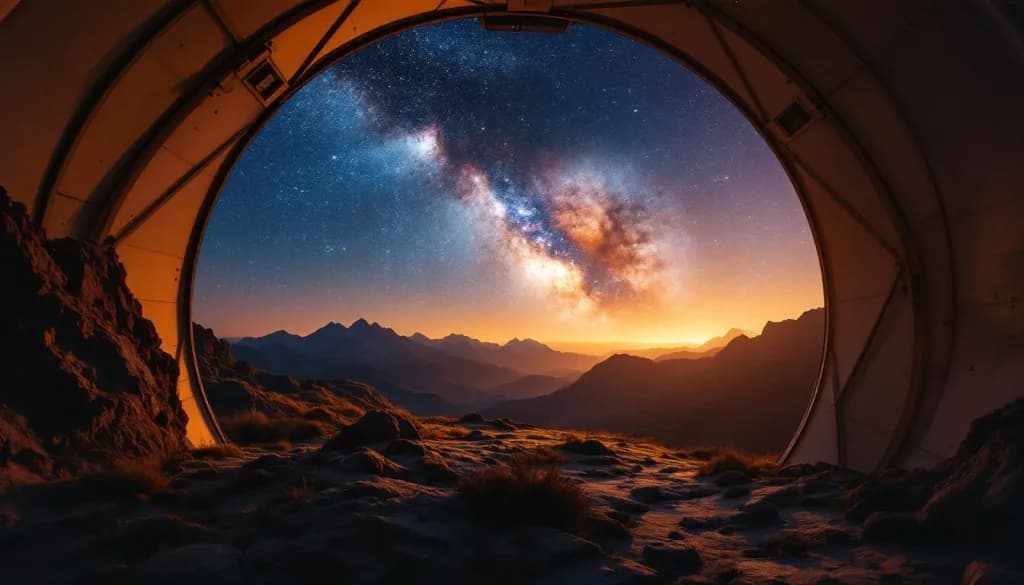
Mountain observatory under the Milky Way, dome open, warm interior light, cinematic warm-neutral color grade, soft directional key light, 35mm lens, shallow depth of field, natural skin tones, subtle film grain
The numbers that matter.
Real numbers from our model registry — what it costs, how long it takes, and the formats it supports.
- 0
- credits per image (from)
- ~0s
- typical generation time
- 0
- aspect ratios
How to use it in LensGo.
- 1
Open the studio
Sign in and pick FLUX 1.1 Pro from the model picker — no separate Black Forest Labs account or subscription needed.
- 2
Describe your image
Type a prompt (or start from a reference image where supported), then choose your aspect ratio.
- 3
Generate and download
Credits are deducted per generation (from 2), and the result lands in your library — download it or iterate.
Also worth a look.
Same studio, same credits — switch models per shot.
GPT Image 2
OpenAI · image
OpenAI's flagship image model — best-in-class text rendering and instruction-following edits.
See GPT Image 2Nano Banana Pro
Google · image
Google's efficient image generation model with up to 4K output.
See Nano Banana ProImagen 4
Google · image
Google's flagship image generation with up to 2K resolution.
See Imagen 4FLUX 1.1 Pro, answered.
Ready when you are.
FLUX 1.1 Pro costs 2 credits per image. FLUX 1.1 Pro requires a Pro subscription.