GPT Image 2 — photorealistic images with readable text, in LensGo.
OpenAI's flagship image model — best-in-class text rendering and instruction-following edits.
What GPT Image 2 is best at.
- Best-in-class text rendering — signs, labels, and UI copy that actually read.
- Instruction-following edits from one or more reference images.
- Photorealistic output across low, medium, and high quality tiers.
- Transparent backgrounds for product shots and cutouts.
Made with GPT Image 2.
Real generations made with GPT Image 2 — each carries the exact prompt that created it.
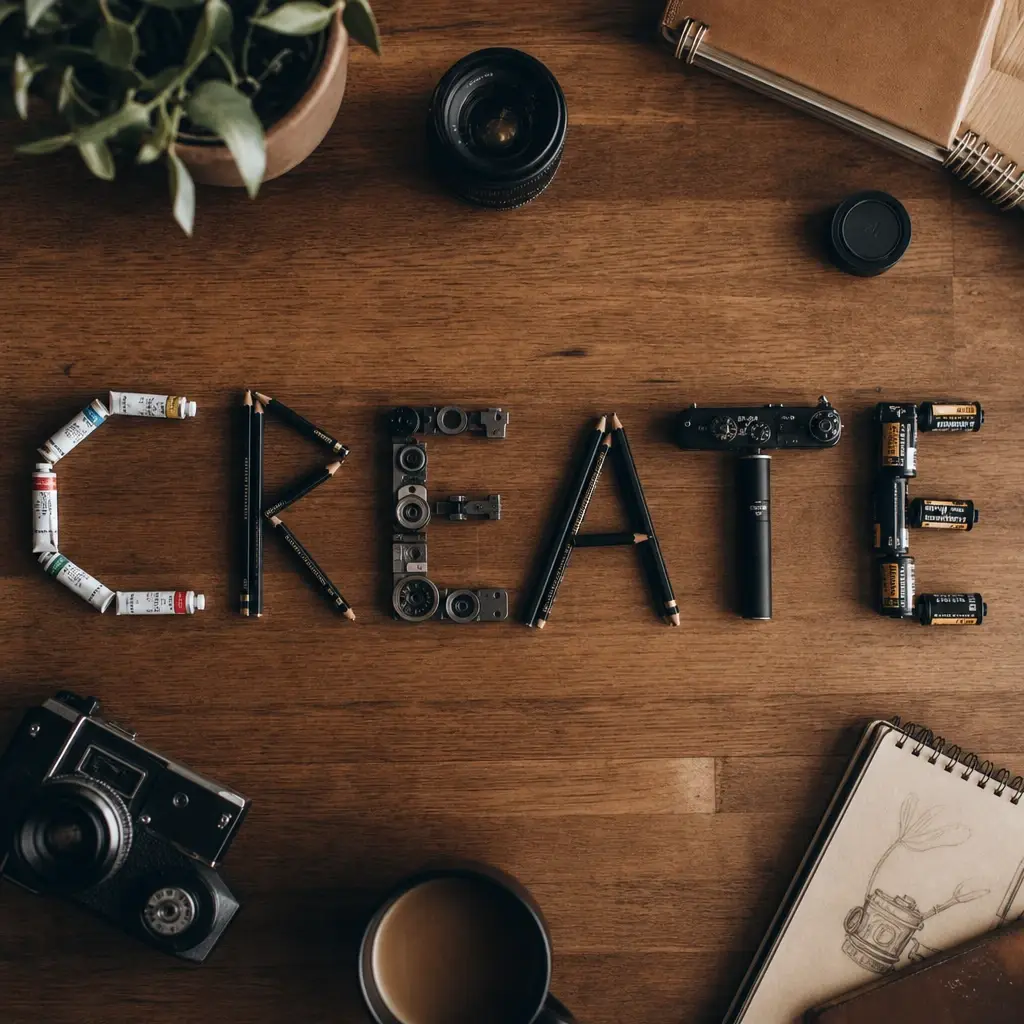
A wooden desk flat-lay that spells the word CREATE using arranged pencils, paint tubes and camera parts, top-down, cinematic warm-neutral color grade, soft directional key light, 35mm lens, shallow depth of field, natural skin tones, subtle film grain
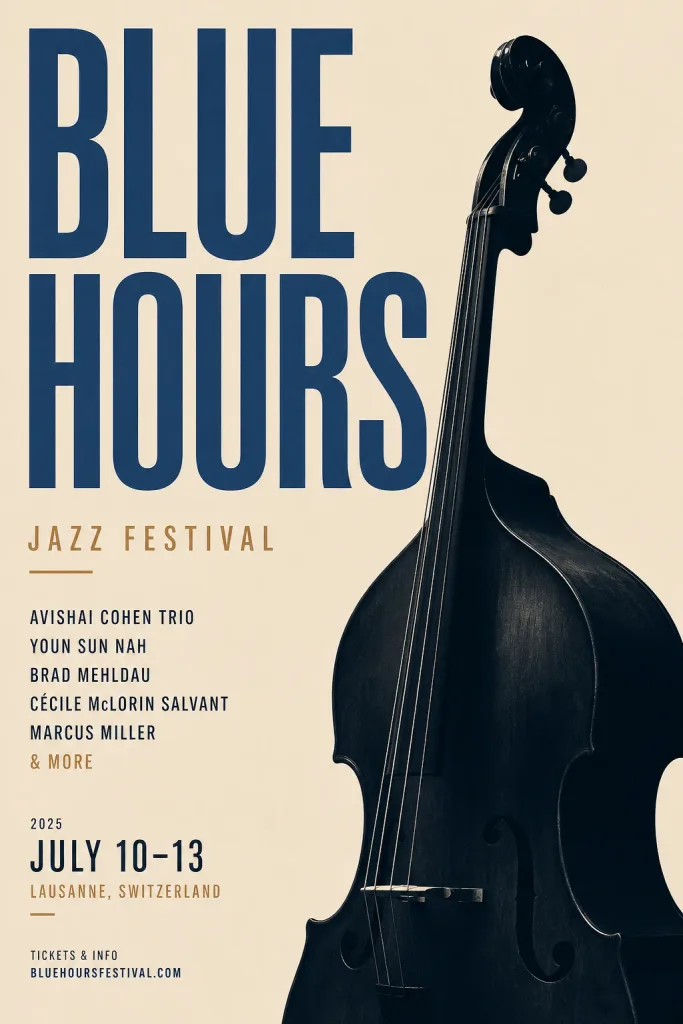
Minimal Swiss-style poster for a jazz festival titled 'BLUE HOURS', bold typography and a double bass silhouette, warm-neutral palette, soft diffused lighting, cohesive minimal background, premium editorial composition

Cozy bookshop storefront at dusk with the sign 'THE PAPER FOX' painted on the window, warm light inside, cinematic warm-neutral color grade, soft directional key light, 35mm lens, shallow depth of field, natural skin tones, subtle film grain
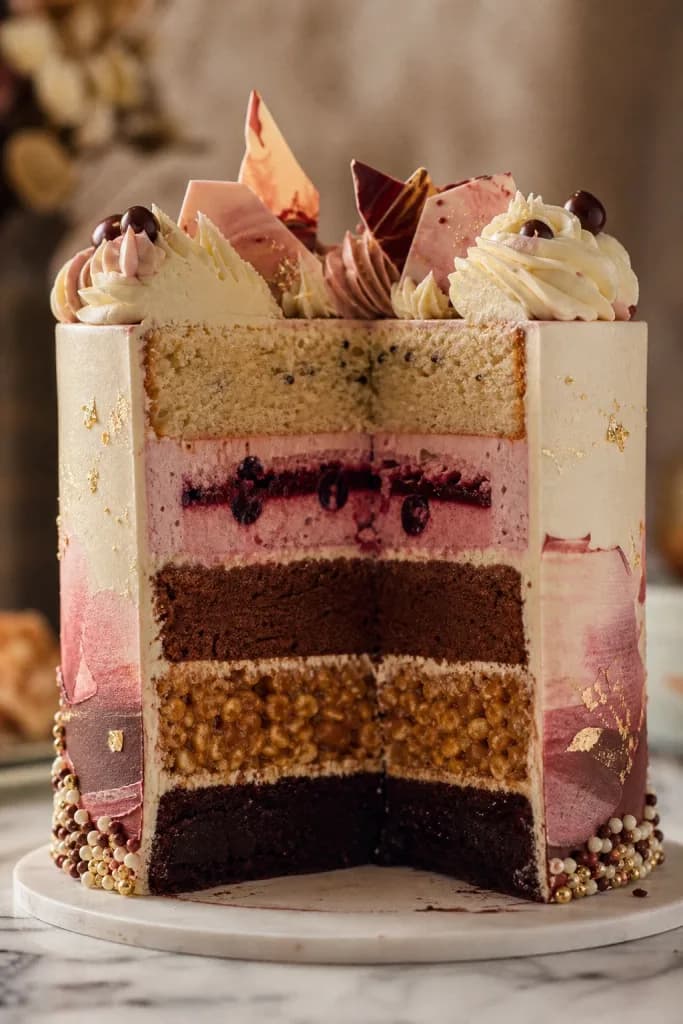
Cross-section of an elaborate five-layer celebration cake, each layer a different texture, patisserie studio shot, cinematic warm-neutral color grade, soft directional key light, 35mm lens, shallow depth of field, natural skin tones, subtle film grain
The numbers that matter.
Real numbers from our model registry — what it costs, how long it takes, and the formats it supports.
- 0
- credits per image (from)
- ~0s
- typical generation time
- 0
- aspect ratios
How to use it in LensGo.
- 1
Open the studio
Sign in and pick GPT Image 2 from the model picker — no separate OpenAI account or subscription needed.
- 2
Describe your image
Type a prompt (or start from a reference image where supported), then choose your aspect ratio.
- 3
Generate and download
Credits are deducted per generation (from 3), and the result lands in your library — download it or iterate.
Also worth a look.
Same studio, same credits — switch models per shot.
FLUX 1.1 Pro
Black Forest Labs · image
Professional FLUX with superior detail and composition.
See FLUX 1.1 ProNano Banana Pro
Google · image
Google's efficient image generation model with up to 4K output.
See Nano Banana ProImagen 4
Google · image
Google's flagship image generation with up to 2K resolution.
See Imagen 4GPT Image 2, answered.
Ready when you are.
GPT Image 2 costs 3 credits per image at low quality, 5 at medium, and 7 at high. GPT Image 2 is free to use at low quality; medium and high quality require a Pro subscription.