Free AI Photo Enhancer
Enhance, sharpen, and restore any photo with AI
Used by 30,000+ creators · 3 free uses per day
 Your input
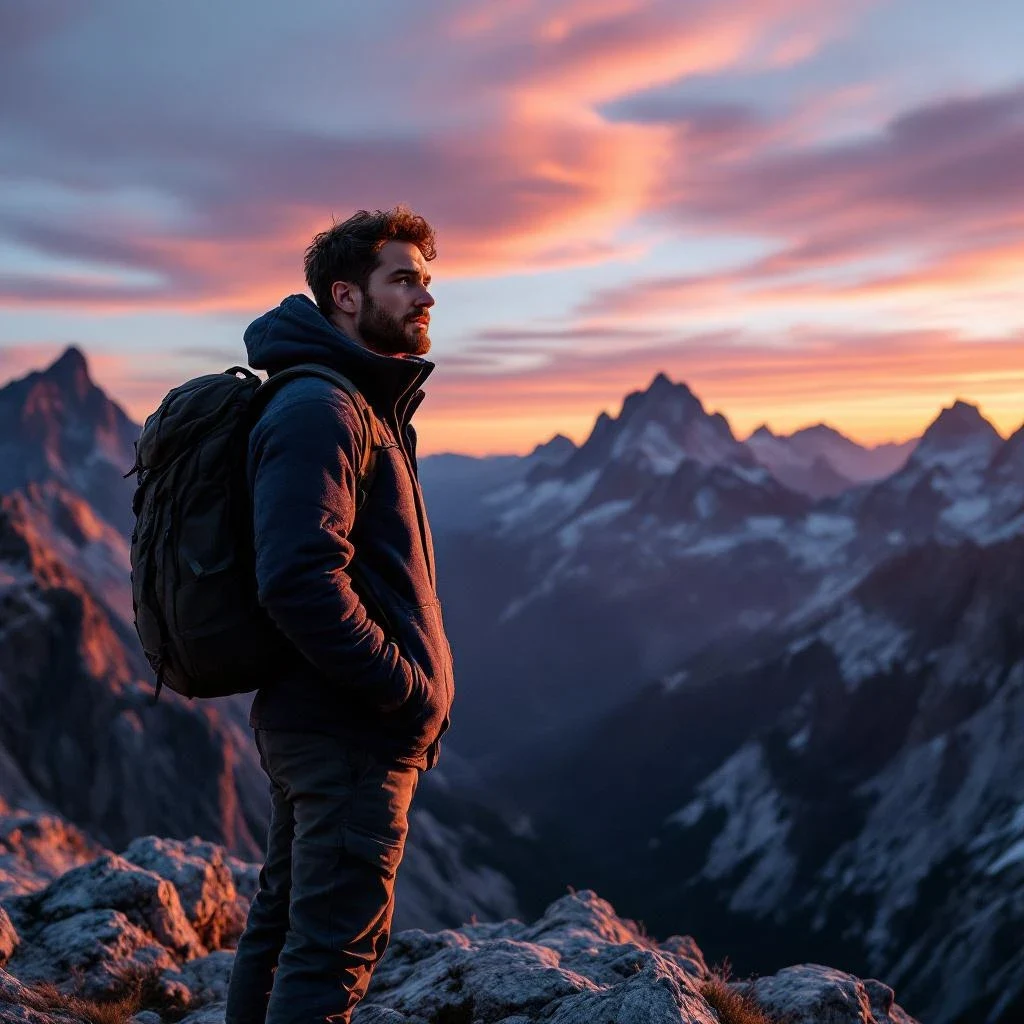 Lensgo output
Real prompts, real results.
Every image carries the exact prompt that made it — open one in the studio and start from there.
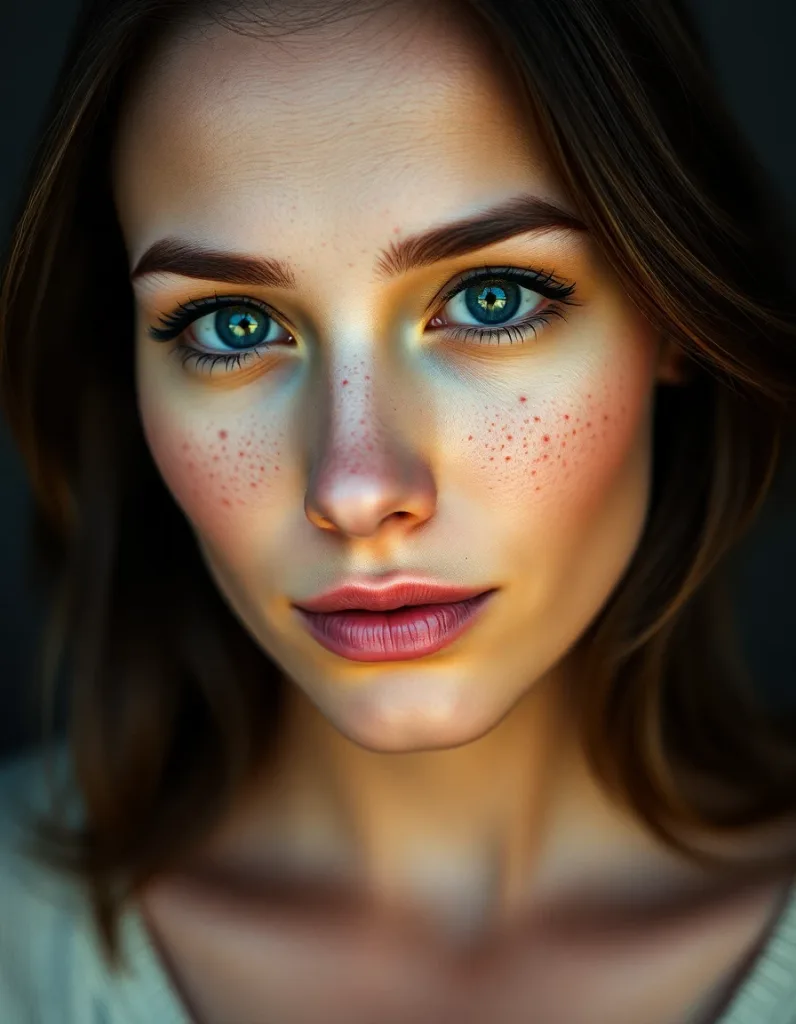
Crisp high-detail portrait of a woman with freckles, sharp catchlights, studio clarity, cinematic warm-neutral color grade, soft directional key light, 35mm lens, shallow depth of field, natural skin tones, subtle film grain
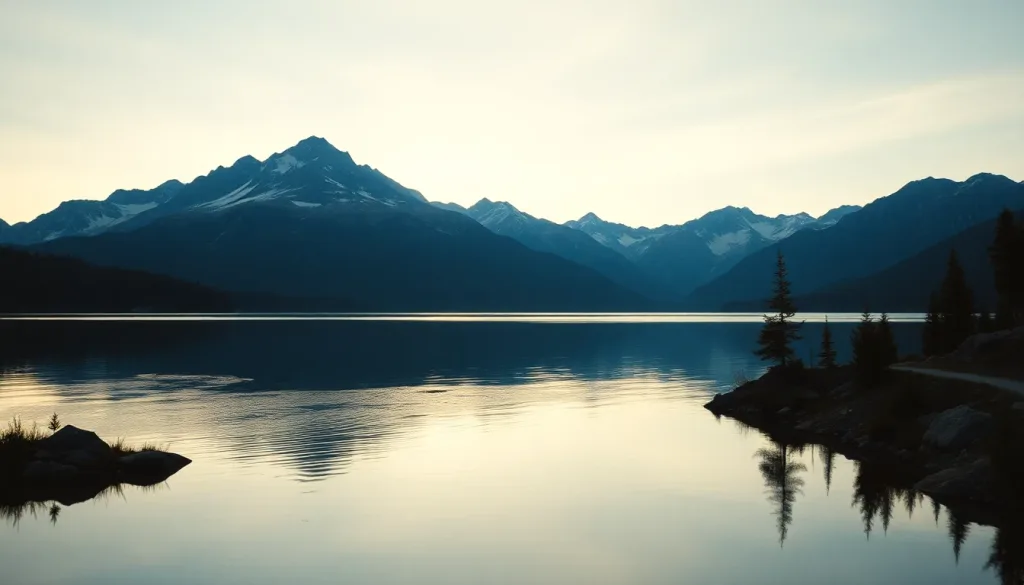
Ultra-sharp mountain lake vista with crisp reflections and fine texture detail, cinematic warm-neutral color grade, soft directional key light, 35mm lens, shallow depth of field, natural skin tones, subtle film grain
How It Works
Lensgo AI Photo Enhancer upscales, restores, and denoises images using AI. Four modes: Upscale (up to 4x resolution), Enhance (sharpen and add detail), Restore (fix old or damaged photos), and Denoise (remove grain). Free to try with 3 credits per day.
Upload your photo
Any photo that needs enhancing — old photos, blurry shots, low-resolution images.
Choose enhancement mode
Upscale (4x resolution), Enhance (sharpen), Face Restore (fix faces), or Denoise.
Download enhanced result
Compare before and after. Download the enhanced version.
Start free. Scale anytime.
One credit system across Studio, Flow, and every tool. Cancel anytime.
Creator
- 120 credits per month
- All 60 AI models
- Studio + Flow access
- No watermark · HD
- Priority support
Yearly billing saves 20% · See all plans →
Frequently Asked Questions
Ready to try AI Photo Enhancer?
Start creating for free — 3 images per day, no credit card required. Upgrade anytime for unlimited access.