Veo 3.1 — cinematic video with optional audio, in LensGo.
Latest Google video with enhanced prompt adherence and multi-reference.
What Veo 3.1 is best at.
- Enhanced prompt adherence — the video follows what you actually asked for.
- Optional audio generation alongside the visuals.
- Clips of 4, 6, or 8 seconds at 720p or 1080p.
- Image-to-video: animate from a starting frame.
Made with Veo 3.1.
Real generations made with Veo 3.1 — each carries the exact prompt that created it.
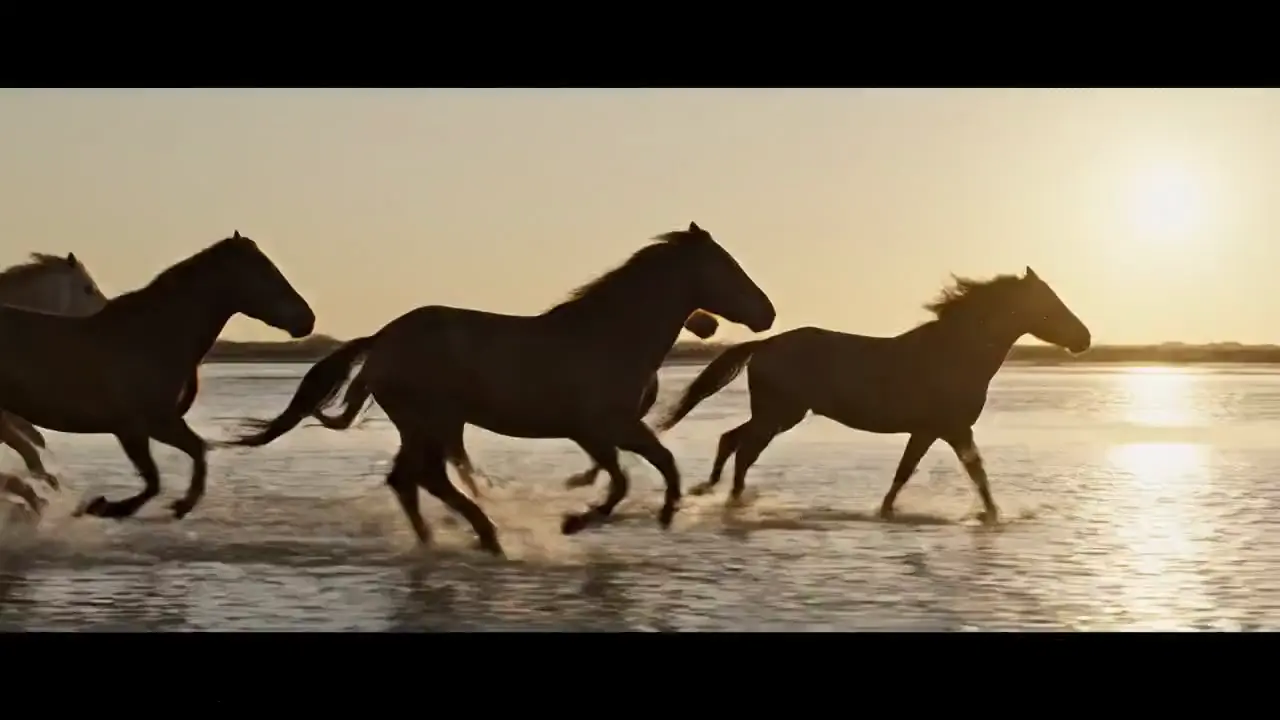
Wild horses galloping through shallow tidal flats at sunset, water spray backlit, cinematic warm-neutral color grade, soft directional key light, 35mm lens, shallow depth of field, natural skin tones, subtle film grain
The numbers that matter.
Real numbers from our model registry — what it costs, how long it takes, and the formats it supports.
- 0
- credits per clip (from)
- ~0 min
- typical generation time
- 0–8s
- clip length
- 0p
- max resolution
How to use it in LensGo.
- 1
Open the studio
Sign in and pick Veo 3.1 from the model picker — no separate Google account or subscription needed.
- 2
Describe your clip
Type a prompt or upload a starting frame, then choose duration, resolution, and aspect ratio.
- 3
Generate and download
Credits are deducted per generation (from 15), and the result lands in your library — download it or iterate.
Also worth a look.
Same studio, same credits — switch models per shot.
Seedance 2.0
ByteDance · video
Next-gen video with exceptional motion quality and optional audio.
See Seedance 2.0Hailuo 02
MiniMax · video
High-quality video with natural motion, up to 1080p.
See Hailuo 02FLUX 1.1 Pro
Black Forest Labs · image
Professional FLUX with superior detail and composition.
See FLUX 1.1 ProVeo 3.1, answered.
Ready when you are.
Veo 3.1 costs from 15 credits (4s at 720p) up to 48 credits (8s at 1080p), scaling with duration and resolution. Veo 3.1 requires a Pro subscription.