AI UGC Video Generator for Product Ads
Turn a product photo into presenter-led UGC or a product-only showcase. Choose from seven campaign formats and generate a social-ready video without organizing a shoot.
See It In Action
Real examples generated in Lensgo from product-led briefs, shown with their original media rather than stock placeholders.
Seven Formats, One Ad Studio
Choose a presenter-led UGC format or keep the camera on the product. Each route has a distinct campaign job.
Unboxing
Packaging reveals that convert
Simulate an authentic unboxing experience — product reveal, packaging details, and first impressions for e-commerce launches.
Lifestyle
Product in everyday life
Show your product being used naturally in a real-world setting. Drives top-of-funnel awareness and emotional connection with your audience.
Testimonial
Direct-to-camera review
A creator-style direct-to-camera review. Builds trust and social proof for retargeting audiences who are close to purchasing.
Hook + Demo
Scroll-stop then sell
A bold 3-second hook that stops the scroll, followed by a concise product demonstration. Optimized for TikTok Ads and Meta Advantage+.
Hero Shot
Cinematic product focus
Keep the product at the center of a polished, camera-led reveal when the object—not a presenter—needs to carry the story.
Lifestyle Scene
Product in context
Place your reference product in an intentional real-world setting without building a physical set or scheduling a shoot.
Detail Reveal
Texture and feature close-ups
Use close camera movement and detail-led framing to highlight materials, controls, finishes, and packaging.
How It Works
From product photo to ready-to-run ad in three steps.
Choose one of seven formats
Pick a presenter-led UGC format—Unboxing, Lifestyle, Testimonial, or Hook+Demo—or a product-only Hero Shot, Lifestyle Scene, or Detail Reveal. Add a script where the selected format supports one.
Upload your product photo
Add a product image as a visual reference. The AI uses it throughout the video to maintain brand consistency. No photo? The AI generates a scene from your script alone.
Download your finished ad
Seedance 2.0 generates your UGC video with native synchronized audio asynchronously, then saves the result to your history. Download as a watermark-free MP4 ready for TikTok Ads, Meta, or Instagram Reels.
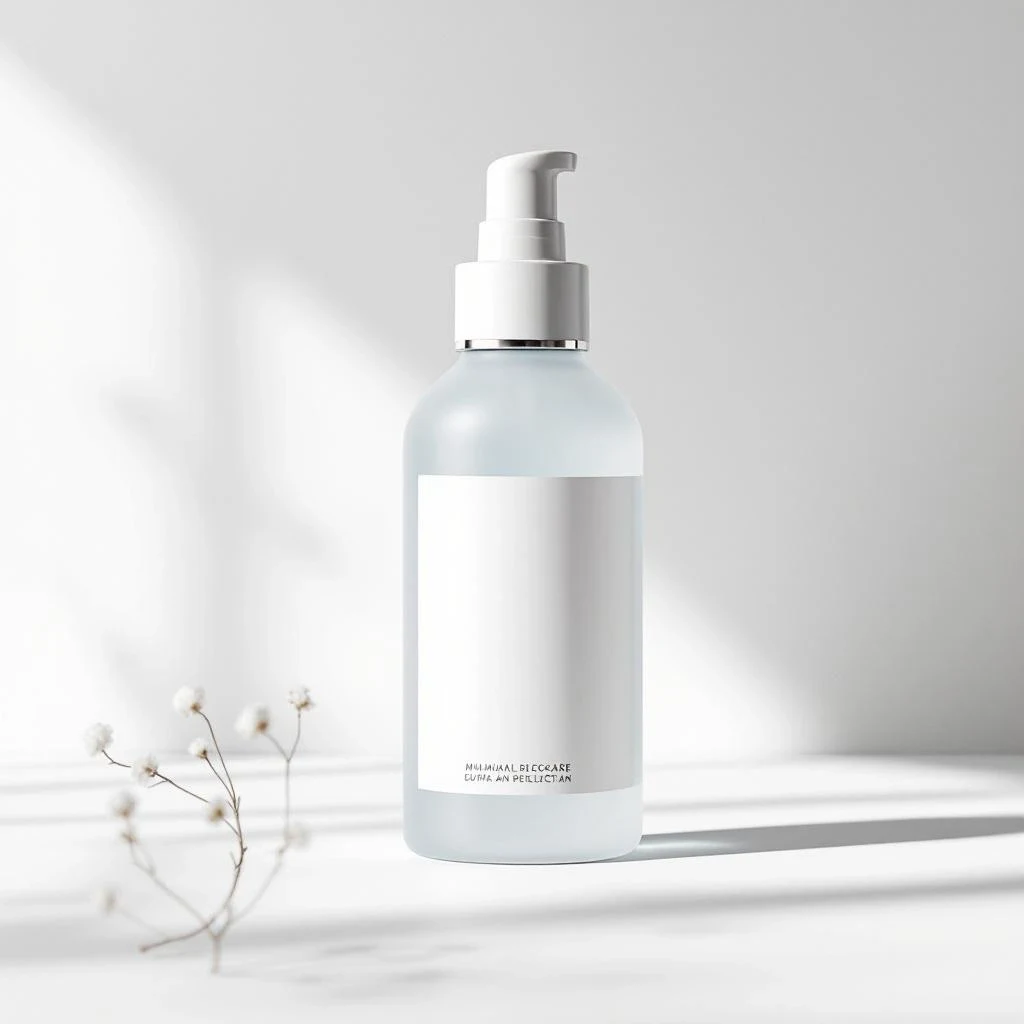
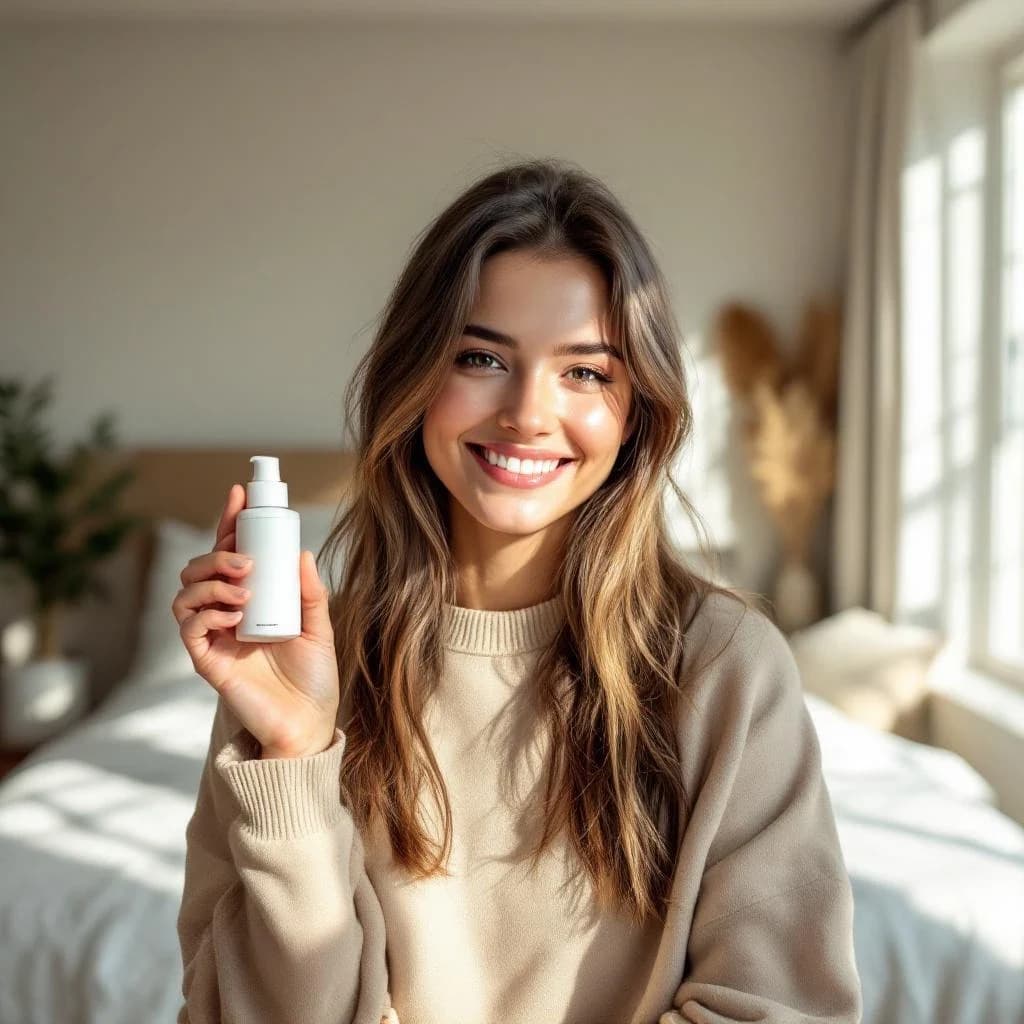
One Product Photo, A Campaign Starting Point
Upload a clear reference, then choose whether the result should feel creator-led or product-led. The source stays part of the brief.
Built for Every Channel
One tool, every platform. Generate the right UGC format for each ad channel.
E-commerce & DTC Brands
Replace expensive UGC creator shoots with AI-generated product videos for Shopify stores, Amazon listings, and DTC ad campaigns.
TikTok Ad Creative
Creator-style vertical videos designed to feel at home alongside organic TikTok posts.
Facebook & Meta Ads
Create UGC-style variations for Meta campaigns, then test them against your existing creative using your own campaign data.
Instagram Reels
9:16 vertical format optimized for Reels — authentic creator aesthetic, no production budget required.
YouTube Shorts
Short-form product content for YouTube Shorts campaigns. Drive awareness and clicks with sub-60-second demos.
Product Launches
Launch fast. Create a full suite of unboxing, testimonial, and lifestyle ads before your product goes live — in one session.
Frequently Asked Questions
What is AI UGC and how does it work?
AI UGC (User-Generated Content) uses Seedance 2.0 to generate authentic-looking product videos that mimic the style of real creator content — unboxings, testimonials, lifestyle demos — without any filming.
Which video formats can I create?
Seven formats: four presenter-led UGC styles (Unboxing, Lifestyle, Testimonial, and Hook+Demo) plus three product-only showcase styles (Hero Shot, Lifestyle Scene, and Detail Reveal).
What aspect ratios are supported?
9:16 vertical (TikTok, Instagram Reels, Facebook Stories), 1:1 square (feed posts), and 16:9 widescreen (YouTube). 9:16 is the default and recommended for paid social ads.
How long does UGC video generation take?
Generation time varies by duration, resolution, batch size, and queue load. Seedance 2.0 generates video and native synchronized audio in a single pass, and LensGo saves completed jobs to your history.
Can I use my own product images?
Yes — uploading a product photo gives the AI a visual reference, significantly improving accuracy and brand consistency in the output video.
Is there a free AI UGC video generator?
Lensgo uses a credit system. Paid credits are required for UGC video generation (10–50 credits per video depending on duration and resolution — 480p draft tier starts at 10 credits, 720p final tier starts at 20 credits). Free daily credits are available for other tools on the platform.
What makes Lensgo's UGC better than competitors?
Lensgo combines presenter-led UGC formats and product-only showcase formats in one workflow. Your uploaded product image becomes a visual reference, and native audio is available in supported generation modes.
Can I download the videos without a watermark?
Yes. Paid plan users get watermark-free MP4 downloads, ready for use in paid ad campaigns on TikTok, Meta, and Google.
Can I use AI UGC videos for TikTok and Meta ads?
Yes. Every format exports as MP4 in 9:16, 1:1 or 16:9, which covers TikTok, Reels, Shorts and in-feed placements. Check the current ad policies of each platform — several now require paid promotions to disclose synthetic or AI-generated media.
How much does an AI UGC video cost?
UGC generation runs on paid credits and the cost depends on duration and resolution — the exact credit cost is shown before you generate, so nothing is charged until you confirm. See the pricing page for current credit packs and plans.
Do I need a script or actor?
Neither. Presenter-led formats generate the on-screen creator and the delivery from your product photo and a short brief. You can supply your own hook copy if you want tighter control over the message.
Build Your Next Product Ad with AI
Paid credits unlock UGC and product-showcase generation. Start with a clear product reference, choose a format, and make the first campaign variation.
Paid credits required · Cost varies by duration and resolution