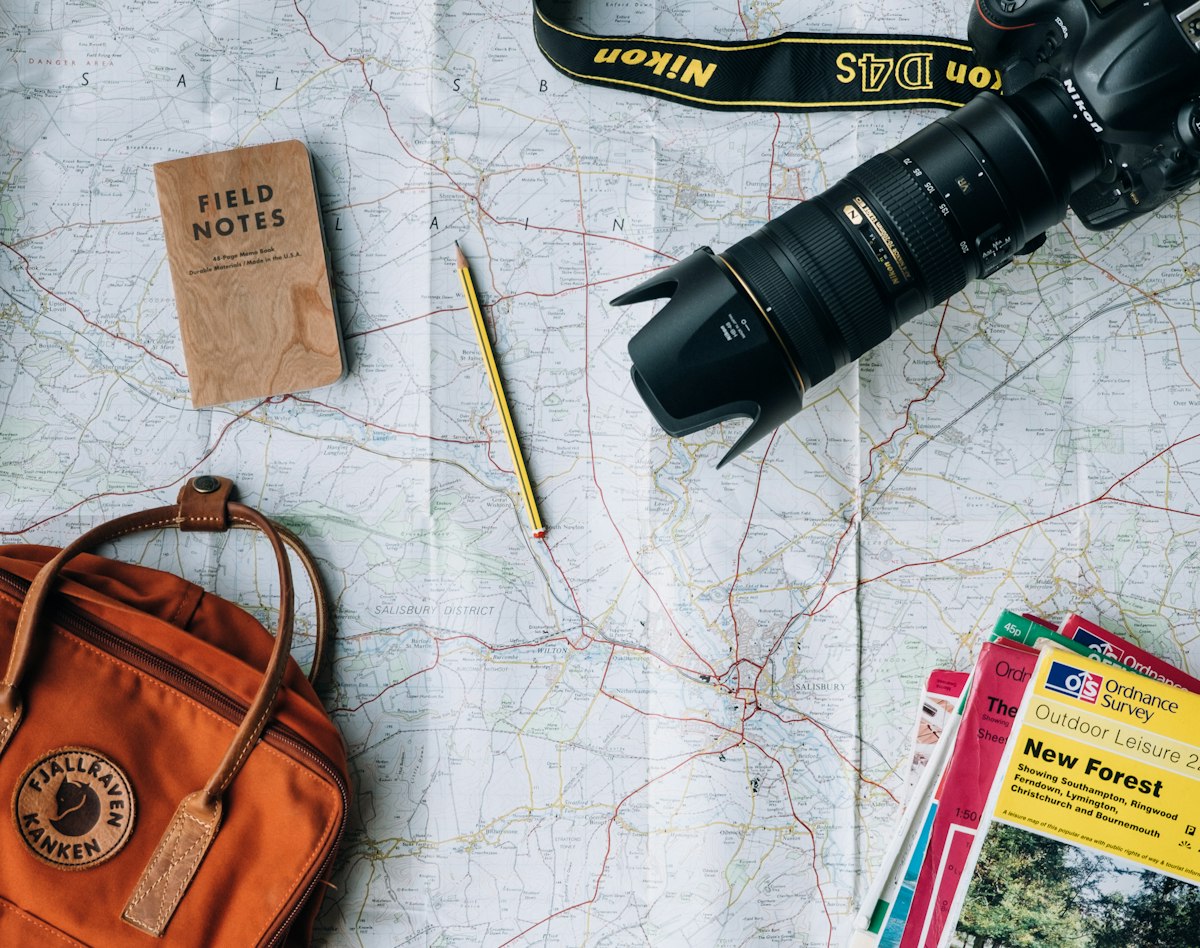
How to Create Stunning Travel Reels With AI Photos
Instagram Reels and TikTok have fundamentally changed how travel content performs. Static photos still have their place, but the algorithm rewards video — specifically short-form video that earns saves, shares, and replays. The problem for most creators: great travel Reels require video footage, and video footage requires you to actually be there with a camera rolling.
AI solves that problem entirely.
Why Travel Reels Dominate on Instagram and TikTok
Instagram's algorithm weights three signals above almost everything else: saves, shares, and time spent. Travel Reels trigger all three. People save travel Reels for trip planning. They share them to friends they want to travel with. They rewatch them because the combination of visual movement and aspirational destinations creates a loop effect.
TikTok operates similarly. The "wanderlust" category is one of the platform's top-performing niches, with creators building audiences of hundreds of thousands on travel content alone.
The key insight: you don't need to be there to create travel content that performs at this level. AI-generated travel photos, animated into video, perform indistinguishably from real travel footage in terms of engagement metrics.
Step 1: Generate Your Travel Photos
Start with a set of 8-15 high-quality AI-generated travel images. For Instagram Reels:
Use 9:16 (portrait) format for most clips — it fills the full mobile screen.
Themes that perform best:
- Dream destinations (Amalfi Coast, Santorini, Kyoto temples, Patagonia)
- Golden hour and blue hour shots
- Aerial perspectives
- Hidden gems and off-the-beaten-path locations
Prompt templates that work:
Aerial view of Santorini at sunset, white buildings, blue domes, golden hour light, travel photography, 9:16 vertical
Misty mountain valley in autumn, golden forest, winding river, aerial drone shot, cinematic travel photography
Hidden beach cove in Thailand, turquoise water, limestone cliffs, no people, paradise, golden hour
Generate 3-5 images per destination or scene. You want variety in the visual angles and moments even within the same location.
Step 2: Animate Your Photos Into Video Clips
Static AI photos can be animated into video using Lensgo.ai's image-to-video feature. This creates the motion that Reels require. For travel content, the most effective animation styles:
Ken Burns effect (slow zoom): A gentle zoom-in or zoom-out gives a cinematic, documentary quality. Works for sweeping landscapes.
Subtle motion blur: Camera-forward movement through a scene creates the feeling of arriving at a location.
Atmospheric movement: Clouds moving, water rippling, leaves moving in wind — natural motion that makes the scene feel real.
Generate 3-5 second clips from each photo. For a 30-second Reel, you need about 8-10 clips.
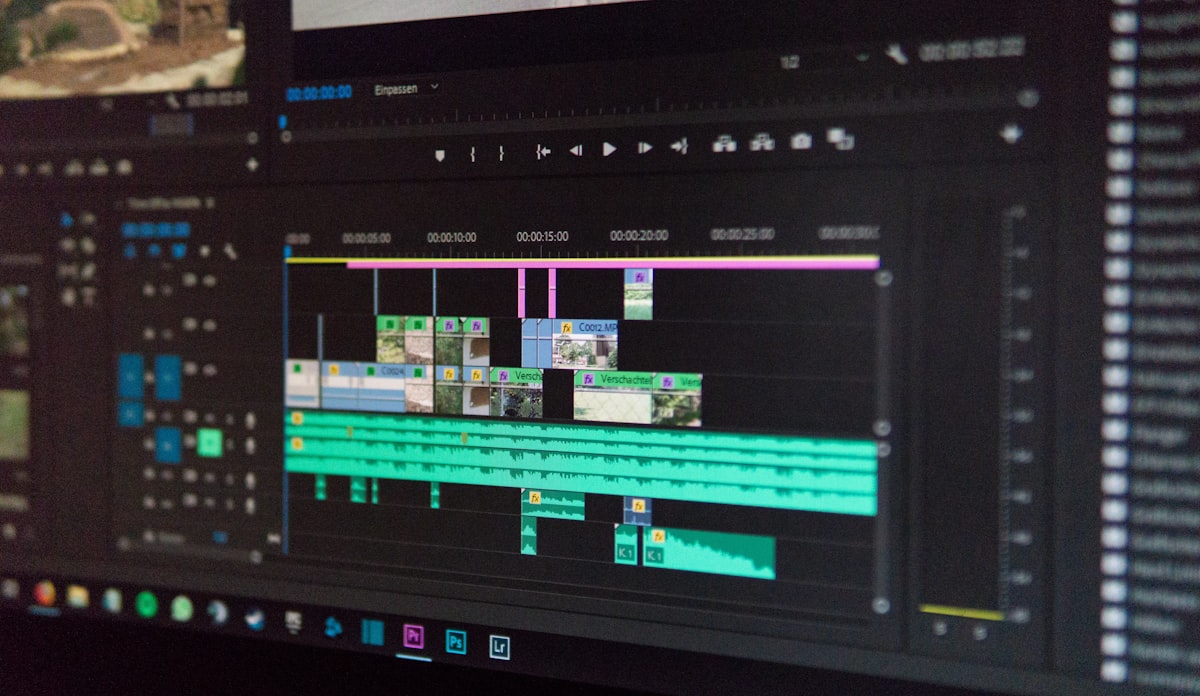
Step 3: Assemble Your Reel
In Instagram's Native Editor
Instagram's editor is surprisingly capable for basic Reels:
- Import your clips in the order you want them
- Trim to 2-4 seconds per clip for a fast-paced feel
- Add a trending audio track — Reels using trending audio consistently receive significantly more algorithmic distribution than those with non-trending or no audio
- Use text overlays sparingly: destination name at the start, a hook question, a CTA at the end
In CapCut (Recommended)
CapCut gives you more control over transitions, color grading, and text animation:
- Import all clips
- Apply a consistent color grade (warm, cinematic tones work best for travel)
- Use smooth cut or slide transitions between clips
- Add trending audio with adjusted timing
- Export at 1080p, then upload to Instagram
Hooks That Work for Travel Reels
The first 1-2 seconds determine whether viewers watch or scroll past. High-performing hooks:
- "POV: you found the most beautiful place on earth" (text overlay, no voiceover needed)
- "Places I need to visit before I die" (creates a save-worthy bucket list)
- "Nobody talks about this destination" (hidden gem framing drives engagement)
- "Which would you choose?" (comparison format triggers comments)
Captions and Hashtags
Caption formula that drives saves:
- Hook line (repeat the Reel's concept)
- 2-3 lines of value (travel tips, destination info, packing suggestions)
- CTA: "Save this for your travel list" drives the single most valuable engagement action
Hashtag strategy: 5-10 specific hashtags outperform 30 generic ones:
- #TravelPhotography #VisitItaly #HiddenGems #WanderlustAI #DreamDestinations
Create travel Reels content — animate AI travel photos into stunning video clips.