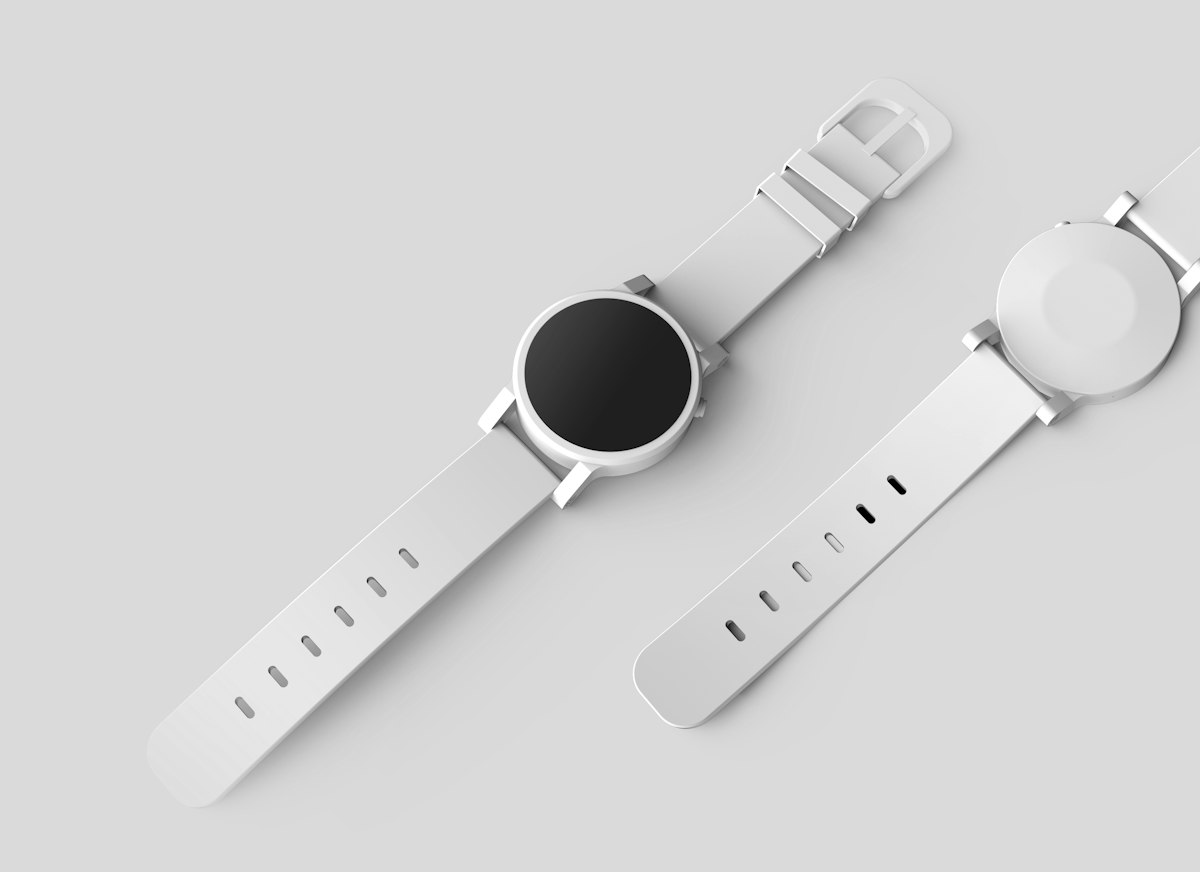
Product photography is consistently cited as one of the biggest barriers for Shopify store owners. The quality of product photos directly impacts conversion rates — poor-quality images undermine buyer confidence, while professional-quality photos build the trust needed to convert browsers into buyers. Yet professional product photography costs $100-500+ per product, making it impractical for stores with large catalogs or tight margins.
AI product photography solves this economically without sacrificing quality.
Why Product Photo Quality Determines Sales
In a store where visitors can't touch, smell, or try the product, photography does all the sensory work that physical retail accomplishes through direct experience:
- Main listing image: The first impression. Determines whether a browser clicks through.
- Detail shots: Build confidence in quality and craftsmanship.
- Lifestyle context: Helps the buyer imagine owning and using the product.
- Multiple angles: Reduces uncertainty and return rates.
Stores with professional-quality images across all product pages outperform stores with mixed photo quality, even when the products themselves are identical.
The AI Shopify Photo Workflow
Step 1: One Clean Reference Photo Per Product
Photograph your product on a clean surface with good natural light. A well-lit iPhone photo on a white tablecloth is a sufficient starting point. What you need:
- Good lighting (no harsh shadows)
- Clean background (doesn't need to be white — AI removes it)
- Multiple angles captured
Step 2: Background Removal
Upload your product photos to an AI background remover. Clean product cut-outs are the foundation for everything else — marketplace white backgrounds, lifestyle placement, and shadow generation.
Step 3: Generate Marketplace Main Images
Create pure white background versions for your main product listing images. These are required by Amazon and strongly recommended for Shopify main images for clean, professional appearance.
Step 4: Generate Lifestyle Images
The highest-converting product photos show the product in use or in context. Use AI generation to place your product:
- In a realistic setting where it would be used (kitchen, bedroom, office, outdoor)
- With complementary items
- In seasonal contexts (summer, holiday, back-to-school)
Prompt approach: "A [product] placed on [surface/setting], [styled with context], professional product photography, soft natural lighting, lifestyle photography"
Step 5: Generate Seasonal and Campaign Variants
Create holiday and seasonal versions of your product images in advance. A product styled for Christmas, Valentine's Day, and summer doesn't require separate photography — AI handles all the contextual variation.
Converting Browsers to Buyers
The main image converts: Optimize your main listing image for clarity, professionalism, and immediate product understanding. White background, product prominent, clean.
Lifestyle images close the sale: Buyers who see their lifestyle reflected in product photos convert at much higher rates. Match the lifestyle context to your target customer.
Detail shots build confidence: AI-upscaled detail images that show material quality, texture, and craftsmanship reduce purchase hesitation.
Consistency across catalog: All your products should have the same quality level of photography. A professional hero + AI lifestyle + white background approach applied consistently across your catalog creates a professional store impression.
What Not to Do
Don't use AI to misrepresent product size, color, or features. AI product images should accurately represent what the buyer will receive. Misrepresentation leads to returns, disputes, and reviews that hurt your store's long-term performance.
Start generating Shopify product photos — white background, lifestyle, and seasonal variants, free daily credits.