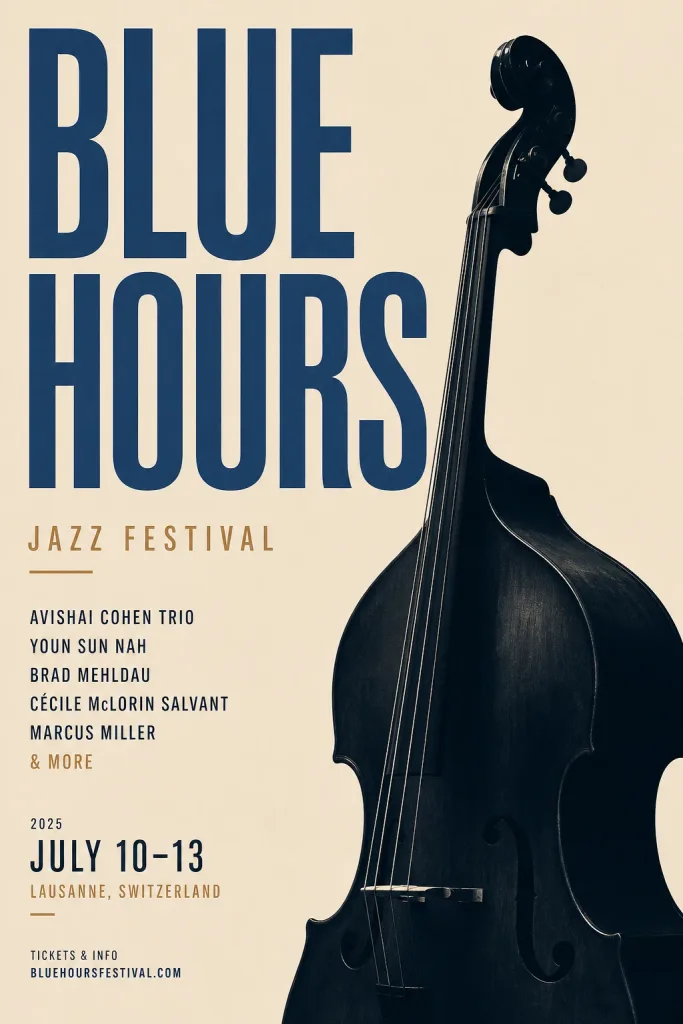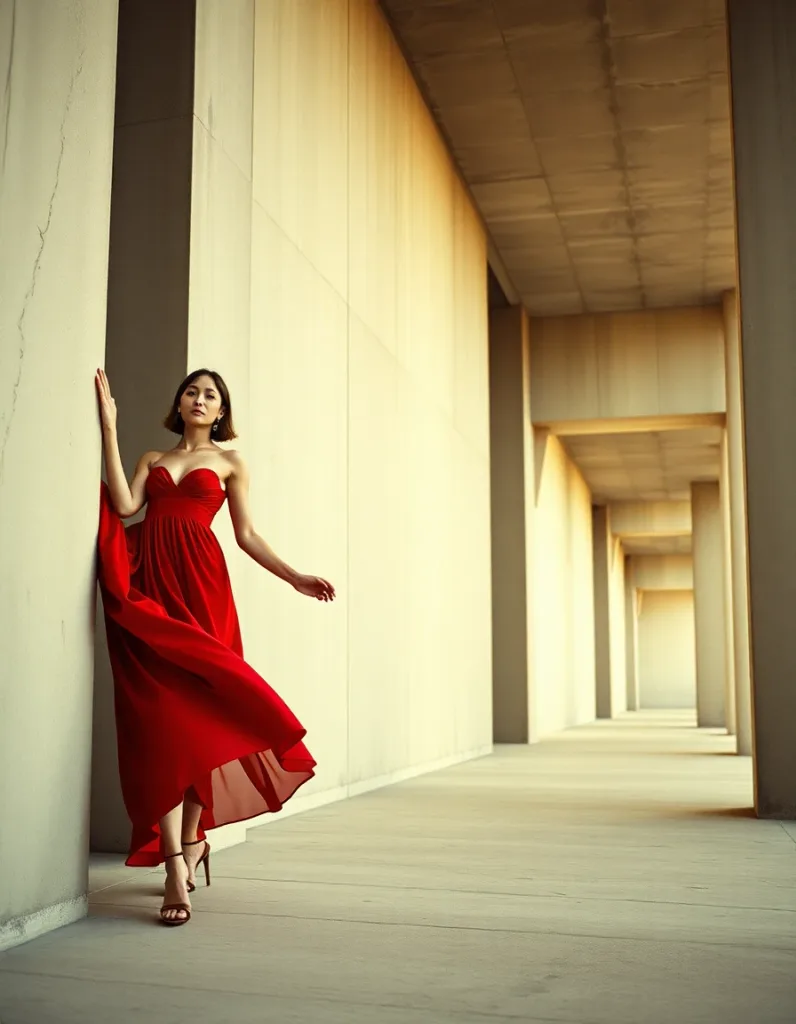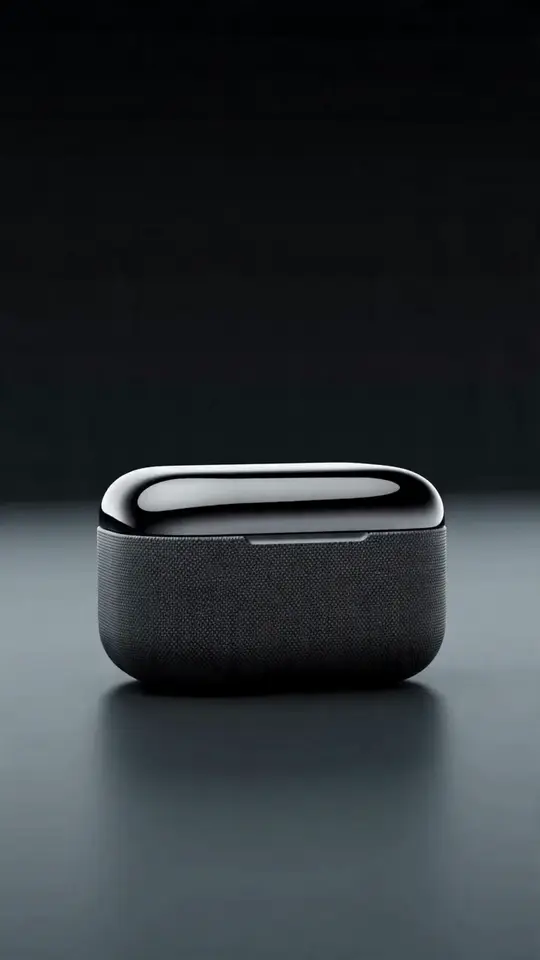
Iris already interprets a plain-language brief and builds a plan. Skills make it sharper: pick one in the prompt bar and Iris works like a specialist for that specific deliverable — asking the questions a pro would ask, choosing platform-native formats, and steering the models toward the look that job needs. You still describe what you want; the skill just points the agent at the finish line.
Think of it like handing your brief to a different expert depending on the task. A UGC creator frames a product ad completely differently from how a print designer lays out a poster. Skills encode that expertise so you don't have to.
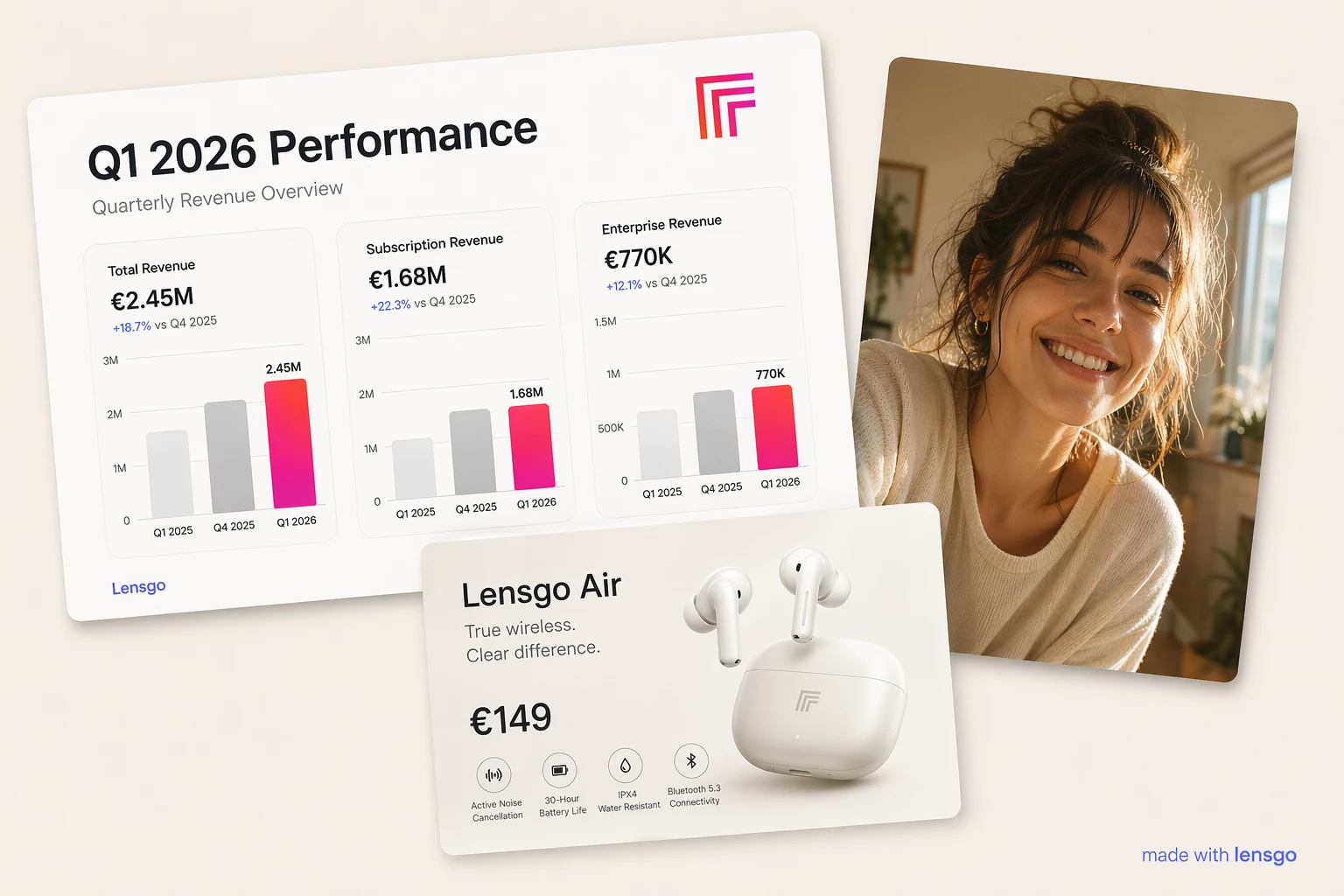
How a skill changes the conversation
Selecting a skill does three things behind the scenes:
- Asks the right questions. The UGC Product Ad skill asks for your product photo, the platform, and the ad style; the Poster skill asks for your exact text lines and orientation. You answer a couple of quick prompts instead of guessing what matters.
- Picks platform-native formats. Reels default to 9:16, feed posts to 4:5, thumbnails to 16:9 — you don't set aspect ratios by hand.
- Steers the models and prompt craft. Text-heavy work leans on models with strong typography; product ads lean on image-to-image so your real product shows up. The skill guides those choices; the eligible model list stays the source of truth.
Nothing about the safety rails changes. Iris still proposes a priced plan, still waits for your approval, and still spends credits only when you confirm — one generation at a time.
The ten launch skills
For ads and short video
- UGC Product Ad — authentic, shot-on-phone ads that don't look like ads. Attach your product photo and it builds the scene around the real item.
- Video Ad — cinematic hook-to-CTA commercials, planned shot by shot.
- Reel / Short — vertical, loop-friendly shorts designed to survive the platform's on-screen buttons.
For social
- Social Media Post — one strong focal visual that reads at thumbnail size, in light or dark feeds.
- YouTube Thumbnail — high-contrast thumbnails with a few bold, readable words.
- Carousel — multi-slide stories that stay visually consistent from slide to slide.
For products and brand
- Product Photography — studio-grade packshots built around a photo of your product.
- Brand Photoshoot — on-brand campaign sets that share one palette and mood.
- Logo & Brand Identity — clean, legible marks with letter-perfect type.
- Poster / Flyer — text-perfect posters and flyers with real hierarchy.
More are on the way, and each one is a small addition — the system is built so new skills slot in without disrupting the ones you already use.
When to reach for a skill (and when not to)
Skills shine when you know the format you're making — an ad, a thumbnail, a poster. If you're still exploring an idea, you don't need one: plain Iris is great for open-ended brainstorming, and you can apply a skill the moment the direction firms up. You can switch skills or clear back to general Iris at any point in a conversation.
Results still vary shot to shot — AI generation isn't deterministic — but a skill meaningfully raises the odds that the first plan matches what you pictured, which means fewer regenerations and fewer credits spent finding the look.
Try it
Skills live right in the Iris prompt bar, under the + button. Open Iris, pick the skill that matches what you're making, and answer the couple of questions it asks. Iris is in beta — signing up through the Iris page turns on access automatically.