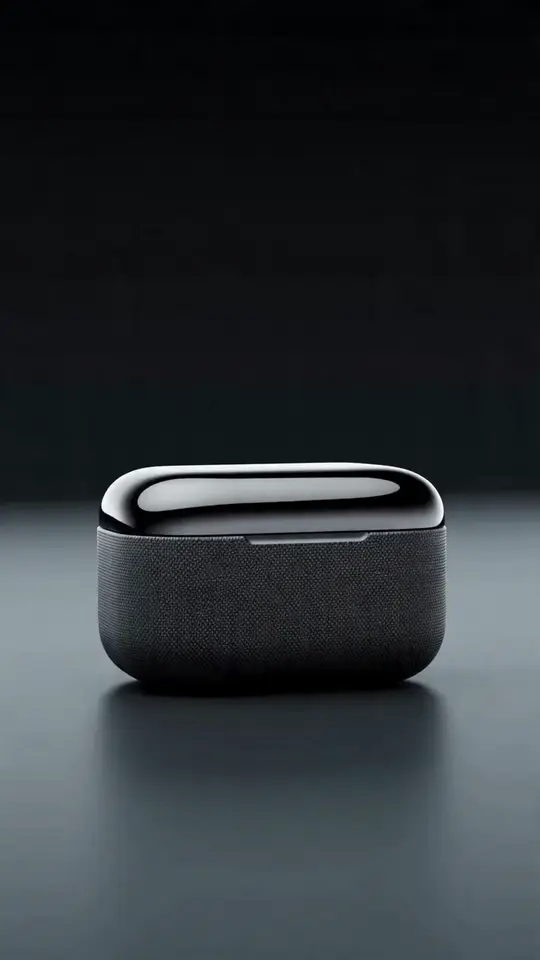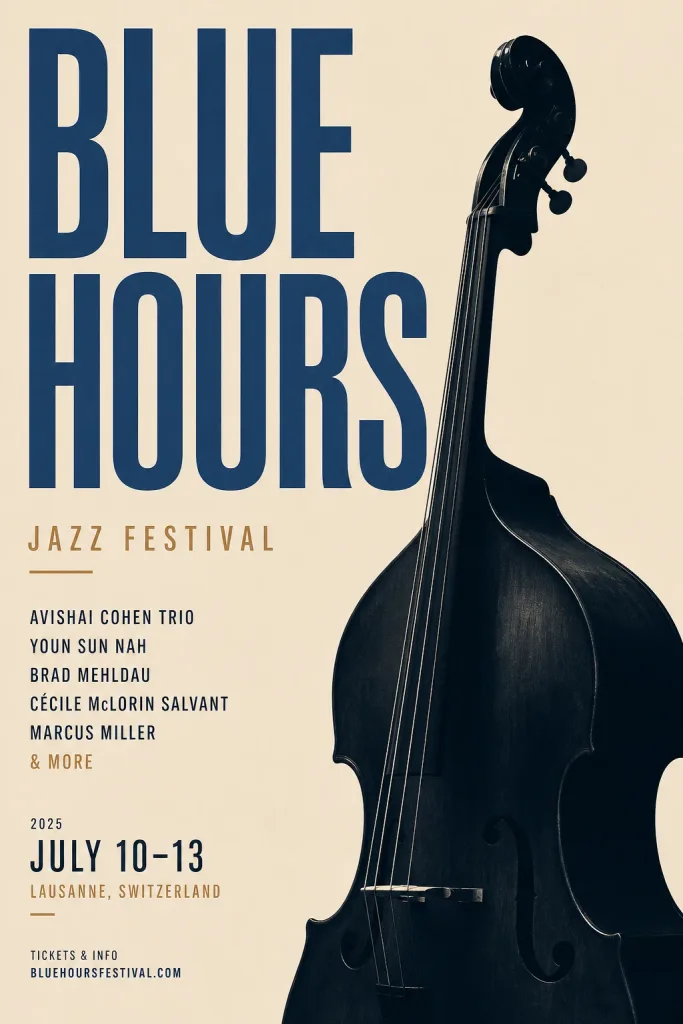
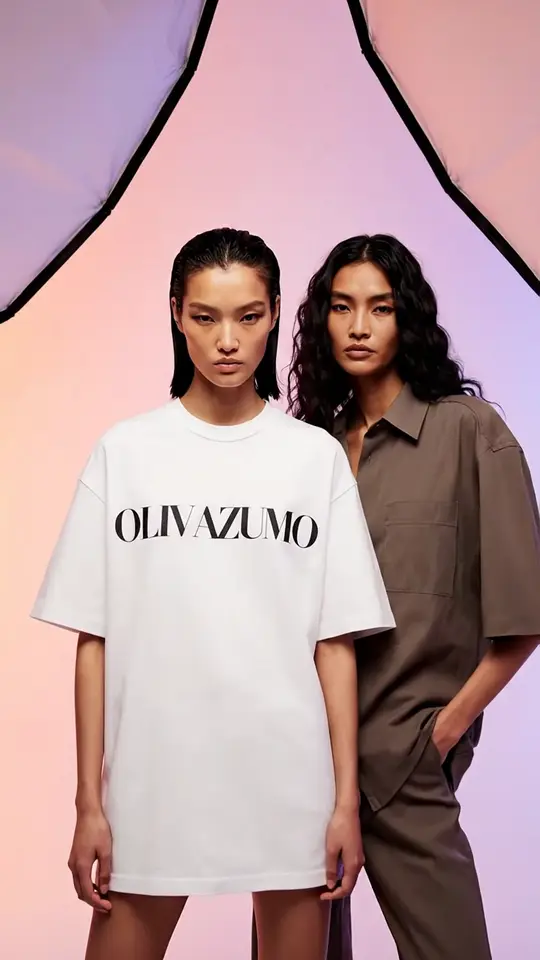
User-generated-content ads — the handheld, shot-on-phone clips and photos where a real person uses a product — outperform glossy studio ads on social because they don't read as ads. The catch is that "looks casually real" is surprisingly hard to fake: get the lighting too clean or the product floating in a void and the illusion breaks. The UGC Product Ad skill in Iris is tuned specifically for that authentic look.
Here's the workflow, start to finish.
Step 1: Start with a real photo of your product
The single biggest quality lever is a photo of the actual product. Attach it in the prompt bar and the skill rebuilds the scene around the real item — same label, same colors — instead of inventing a plausible-looking fake. Without a reference, the model has to guess your packaging, and invented label text is the fastest way to look off.
A clear, well-lit photo on a plain background works best. You don't need studio gear; a window and a steady hand are enough.
Step 2: Pick the UGC skill and answer the questions
Open the + menu in the Iris prompt bar, choose Skills, and select UGC Product Ad. Iris will ask a few quick things a real UGC creator would ask:
- What's the product? (Attach the photo here.)
- Where does it run — TikTok, Reels/Stories, or feed?
- What style — someone using it, holding it to camera, unboxing, or before/after?
- Who's the audience — rough age and vibe?
Answer in plain words. Each answer narrows the plan toward something castable and believable rather than generic.
Step 3: Review the plan before anything generates
Iris proposes a plan — usually one or two vertical shots, or a short clip — with the model and credit price of each step shown up front. Nothing is generated and no credits are spent until you approve. This is the moment to sanity-check: right platform ratio, right vibe, right number of shots. Edit any step or trim the plan if it's more than you need.
Step 4: Generate, then iterate on what works
Approve, and the shots land in the conversation as they finish. From there you refine by name: "make the lighting warmer," "shoot it in a kitchen instead," "give me a vertical version." Because the skill anchors on your product photo, iterations keep the real item consistent while you tune the scene.
What makes a UGC ad read as authentic
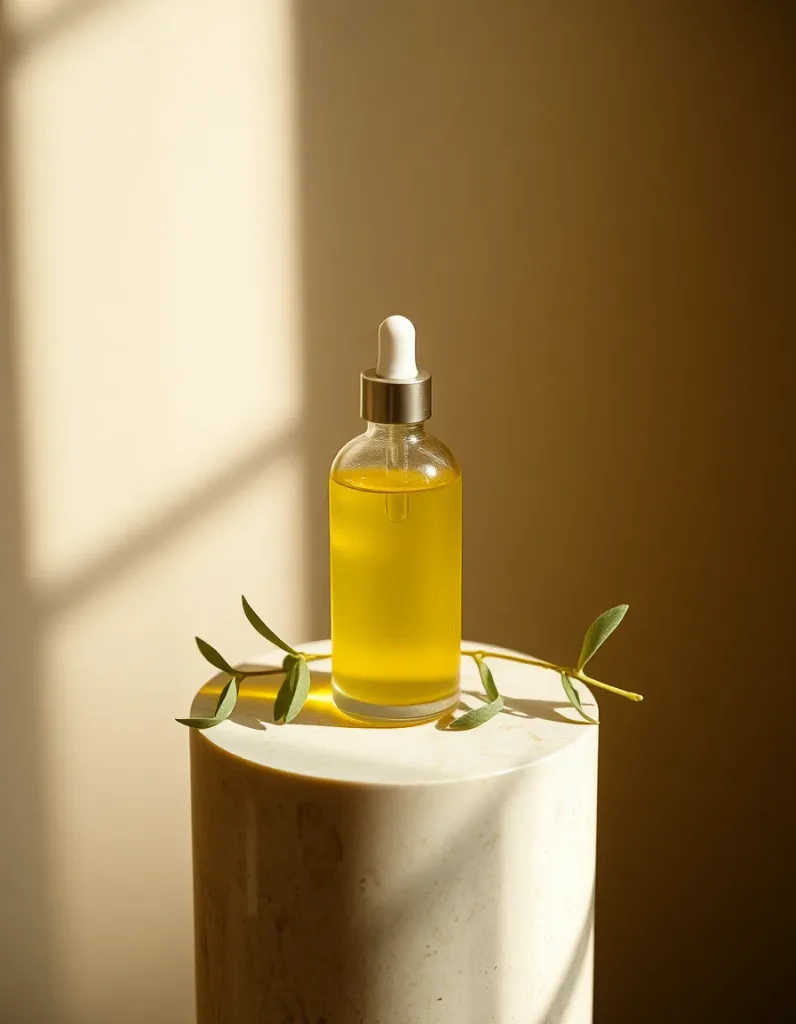
The UGC skill steers toward the details that sell realness — and away from the ones that break it:
- Natural light and mild, real shadows instead of clean studio softboxes.
- Lived-in spaces — a kitchen counter, a bathroom shelf, a car — not a seamless white void.
- Slightly imperfect framing and a handheld feel rather than tripod-perfect symmetry.
- The real product, unaltered — no invented packaging text or warped logos.
If a result looks like a commercial, that's usually the tell to push back on: "more casual, like a customer filmed it on their phone."
A note on honesty and consent
A few guardrails worth keeping in mind, because they protect your brand as much as anyone:
- Don't imply endorsements you don't have. Avoid making generated people look like specific real individuals or celebrities.
- Don't invent claims. Health results, statistics, and review quotes shouldn't appear as on-screen text unless they're true and substantiated. The skill is built to avoid fabricating these; keep your own copy honest too.
- Disclose paid promotion where the platform or your region requires it.
Wrap-up
Great UGC ads come from a real product photo, a believable scene, and a few rounds of casual-feeling iteration — exactly what the UGC skill is built to guide. Results vary shot to shot, so plan on trying a couple of directions; the skill's job is to make the first one land closer. Open Iris, attach your product photo, and pick the UGC Product Ad skill to start. Access turns on when you sign up through the Iris page.