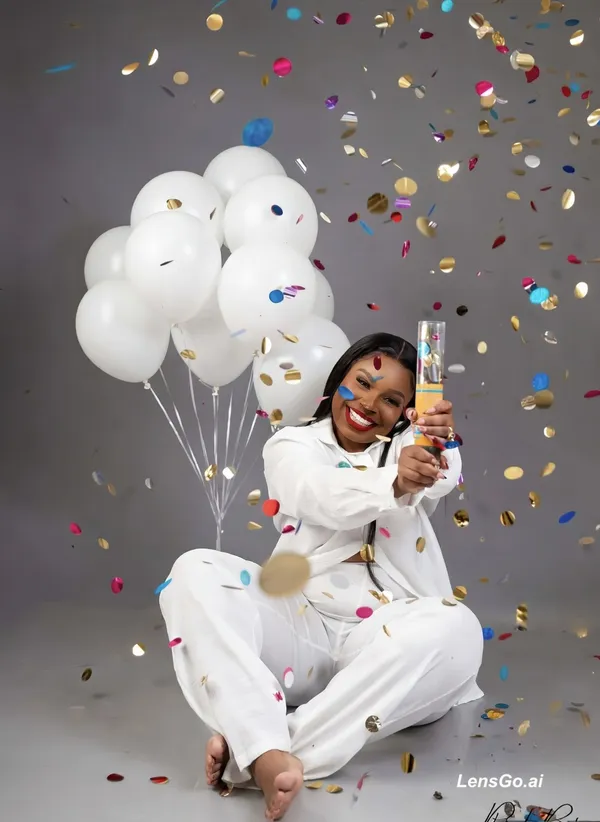
AI Image: STEP 1: Upload the confetti/balloon reference photo as the TARGET SCENE IMAGE STEP 2: Upload her fac
Image
grok-imagine-image
1024 x 1024
Prompt
STEP 1: Upload the confetti/balloon reference photo as the TARGET SCENE IMAGE STEP 2: Upload her face photo (Image 1 or 2 - preferably Image 2, daytime/clearer light) as the FACE REFERENCE STEP 3: In the enhancement/style prompt box, type: "Deep warm brown skin tone, golden undertones, preserve skin complexion and facial identity, bold red lips, hazel eyes, natural skin texture, high-end studio birthday editorial quality, photorealistic" STEP 4: Generate. If skin tone appears lightened, regenerate and add to prompt: "Do not lighten or alter skin tone - deep melanin-rich warm brown complexion"
Created May 7, 2026
Create Your Own Version
Use this prompt as inspiration or remix it into something new.