OpenAI now ships two image generation models: the older DALL·E 3 (launched 2023) and the newer GPT Image 2 (the flagship successor, 2025). If you're deciding which to use, the short answer is GPT Image 2 for almost every workflow. Here's why.
This page answers the same-provider migration question: whether an existing DALL·E workflow should move to GPT Image 2. For aesthetic exploration see GPT Image 2 vs Midjourney; for speed, open weights, and production throughput see GPT Image 2 vs Flux.
Quick comparison
| Dimension | DALL·E 3 | GPT Image 2 |
|---|---|---|
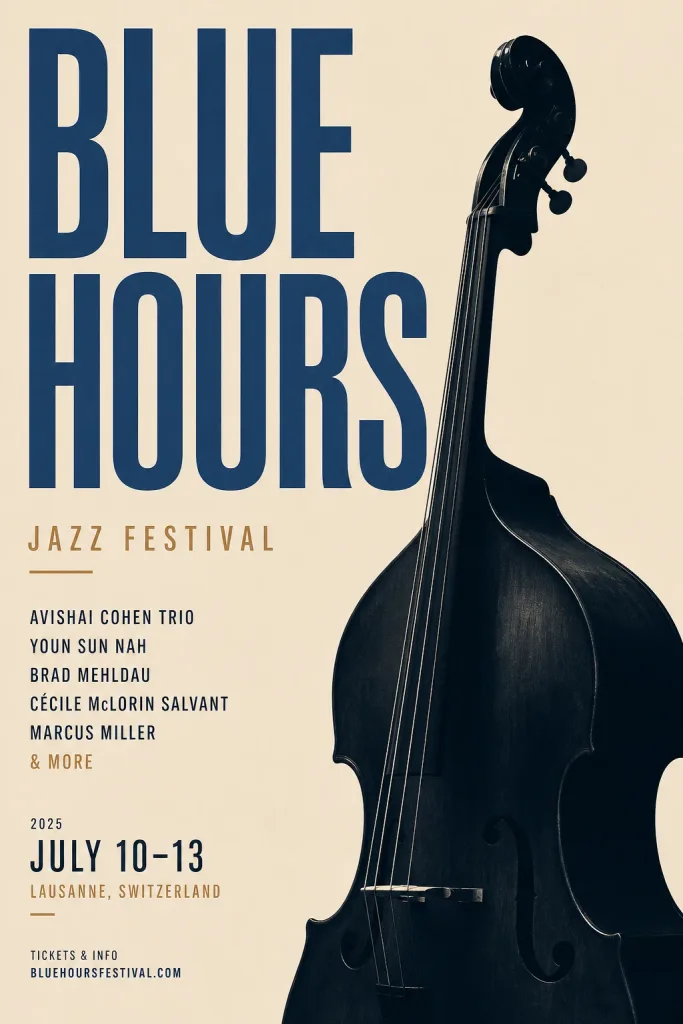
| Text rendering inside images | Strong for its era; weaker than GPT Image 2 on dense layouts | Crisp, accurate, works on dense layouts |
| Edit existing images | Partial, tends to reinterpret whole scene | Surgical — changes only what you ask |
| Multi-image composition | Not supported | Up to 10 reference images per call |
| Character consistency | Weak across generations | Strong, enables multi-page storyboards |
| Photorealism | Good | Noticeably better, especially faces & skin |
| Aspect ratios | 1:1, 16:9, 9:16 | 1:1, 3:2, 2:3 |
| Typical latency | 8–15s | 10–18s |
| Access | ChatGPT, DALL·E API | OpenAI API, Replicate, Lensgo |
Where GPT Image 2 clearly wins
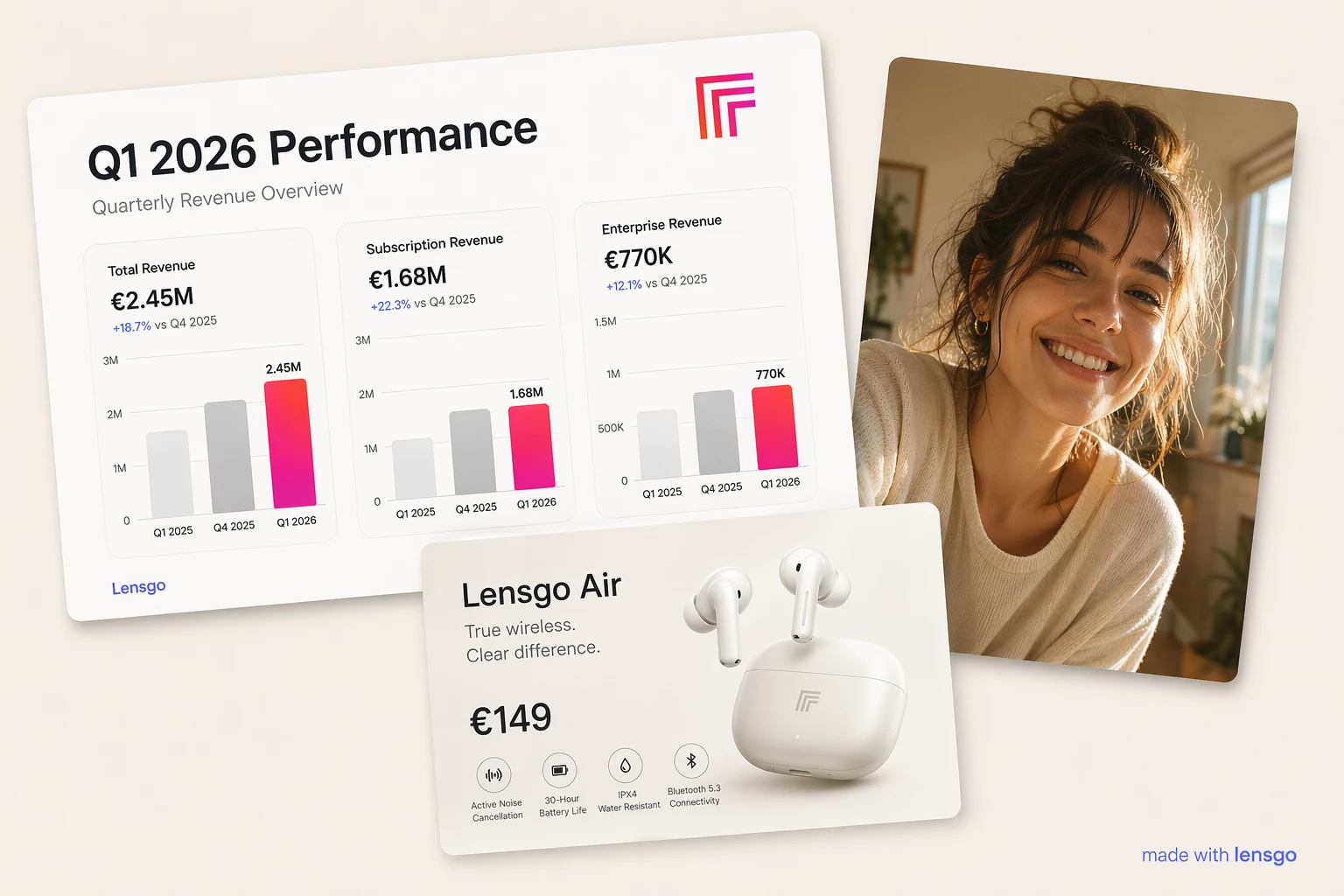
Text rendering — DALL·E 3 was best-in-class at legible text when it launched, before GPT Image 2 arrived — but dense layouts remained a weak spot. GPT Image 2 gets dense text right on the first try, including small lettering in infographics, labels in UI mockups, and headlines in marketing materials.
Editing — When you upload a photo and say "change the hat to red velvet," DALL·E 3 tends to regenerate the whole image and the face comes back different. GPT Image 2 genuinely edits the reference — face, pose, and background stay locked while the hat changes.
Multi-image workflows — GPT Image 2 accepts 1–10 reference images in a single call. This unlocks product composites (swap a couch into a real room photo), style transfer (apply image 1's aesthetic to image 2's subject), and character placement (drop the same person into different scenes). DALL·E 3 has no equivalent.
Where DALL·E 3 still makes sense
Almost nowhere for new projects. The one edge case: if you're already paying for ChatGPT Plus and just need an occasional one-off image, DALL·E 3 is bundled at no extra cost. For any production workflow — marketing, social, ads, storyboards, product design — GPT Image 2 is the right choice.
Pricing on Lensgo
GPT Image 2 is free to try on Lensgo — the low-quality tier (3 credits) is available to every user and comes out of your daily free credits. Medium (5 credits) and high (7 credits) unlock with any Lensgo Pro plan. One credit is $0.10 of subscription value, so a high-quality generation costs $0.70 — more per image than raw API rates (~$0.17), but you skip API keys, rate limits, and provider accounts.
Lensgo handles the OpenAI API key, so you don't juggle provider accounts or rate limits. Free daily credits on signup let you compare GPT Image 2 to other flagship models (Imagen 4, Flux 1.1 Pro, Seedream 4.5) side by side before committing.
Which should you pick?
Pick GPT Image 2 if: you need text inside images, edit-in-place behavior, multi-image composition, or character consistency across a campaign.
Stick with DALL·E 3 only if: you're on ChatGPT Plus and image generation is incidental to your main workflow.
Pricing figures in this post reflect public provider rates as of April 2026 and may change — check the OpenAI and Replicate pricing pages for current rates.
Try GPT Image 2 now on Lensgo — open the tool page or jump straight to the studio.