ممحاة سحرية بالذكاء الاصطناعي مجاناً
أزل العناصر غير المرغوبة من أي صورة
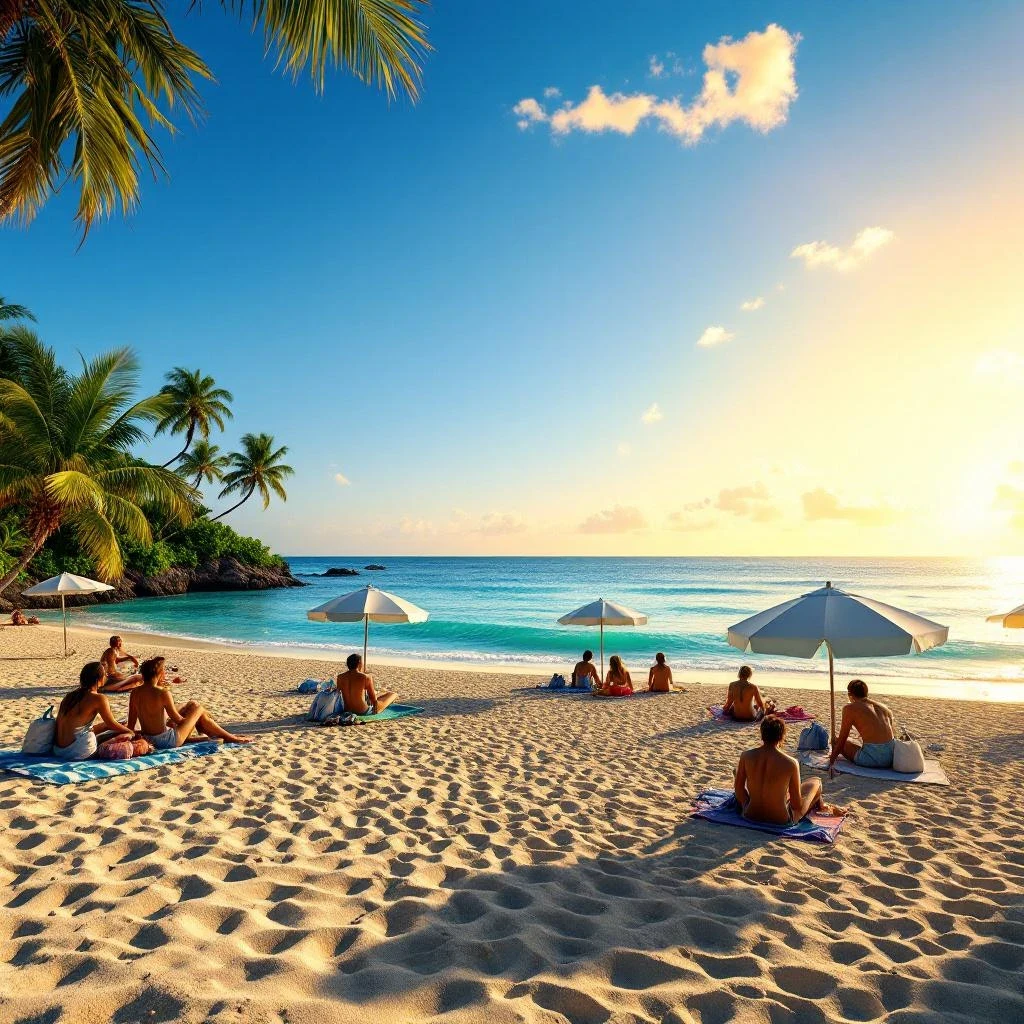 مدخلاتك
 نتيجة Lensgo
كيف يعمل
Upload your photo
Choose any photo with objects you want to remove — people, signs, wires, or other distractions.
Select what to remove
Brush over the area you want erased. The AI understands what to remove and what to keep.
Download clean result
The AI fills in the background naturally. Download your clean, polished photo.
عن ممحاة سحرية بالذكاء الاصطناعي
Remove people, objects, text, or distractions from any photo with AI. The eraser intelligently fills in the background so the edit looks natural.
الأسئلة الشائعة
What can I remove from photos?+
People, objects, text, watermarks, power lines, signs — anything you brush over. The AI fills in the background naturally.
Does it work on complex backgrounds?+
Yes. The AI is trained to handle complex patterns, textures, and gradients when filling in removed areas.
Can I undo an erase?+
Yes. Generate a new version from the original image at any time.
Is there a size limit?+
Images up to 20MB and 4096x4096 pixels are supported.
المزيد من أدوات الذكاء الاصطناعي
AI Image Generator
Create stunning images from text in seconds
AI Video Generator
Turn text or images into cinematic videos
AI Image Upscaler
Upscale any image to crystal-clear HD
AI Style Transfer
Transform any photo into stunning art styles
AI Logo Maker
Generate professional logos with AI
AI Action Figure Generator
Turn your selfie into a collectible action figure
مستعد لتجربة ممحاة سحرية بالذكاء الاصطناعي؟
ابدأ الإنشاء مجاناً — 3 صور يومياً، بدون بطاقة ائتمان. رقّ إلى Pro في أي وقت للوصول غير المحدود.