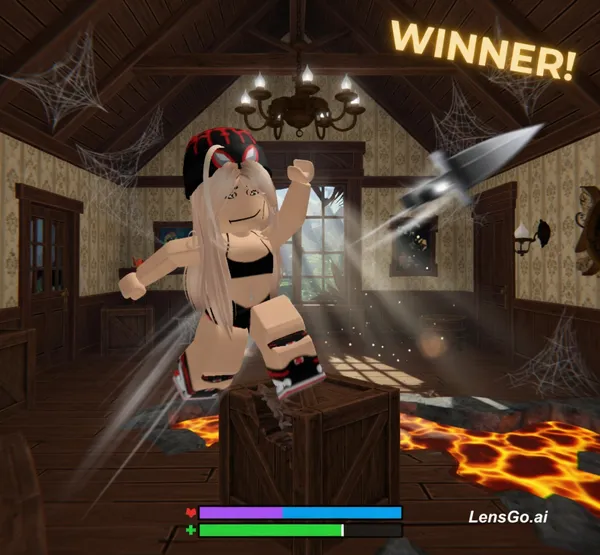
AI Image: "Create a smooth cinematic Roblox Murder Mystery 2 (MM2) animation using the uploaded Roblox avatar.
Image
grok-imagine-image
1024 x 1024
Prompt
"Create a smooth cinematic Roblox Murder Mystery 2 (MM2) animation using the uploaded Roblox avatar. Keep the avatar exactly the same as the reference image, including the blonde hair, black-and-red beanie with goggles, black outfit, and Roblox blocky style. Animate the avatar running, walking, jumping, dodging, knife throwing, and winning in a detailed Roblox MM2 map. Use smooth Roblox-style animations, cinematic camera movements, dynamic lighting, motion blur, slow motion during action scenes, and clean transitions. Make it look like real Roblox gameplay with a professional YouTube gaming edit, 1080p, 60 FPS."
Created June 26, 2026
Create Your Own Version
Use this prompt as inspiration or remix it into something new.